Forms that automatically add people and start your flows
Forms are one of the simplest ways to collect the information you need - whether that's connecting with newcomers, gathering volunteer interest or capturing details for a specific ministry.
With our latest updates, Forms can now do even more of the work for you - automatically adding new people to ChurchSuite, connecting them to your existing processes and helping your team spend less time on administration and more time with people.
From form response to connected person - automatically
ChurchSuite already tries to match form responses to existing people using their name, email and mobile. When there's a definitive match, the response is linked automatically. Until now, if no match was found, the response was left unlinked for you to deal with manually.
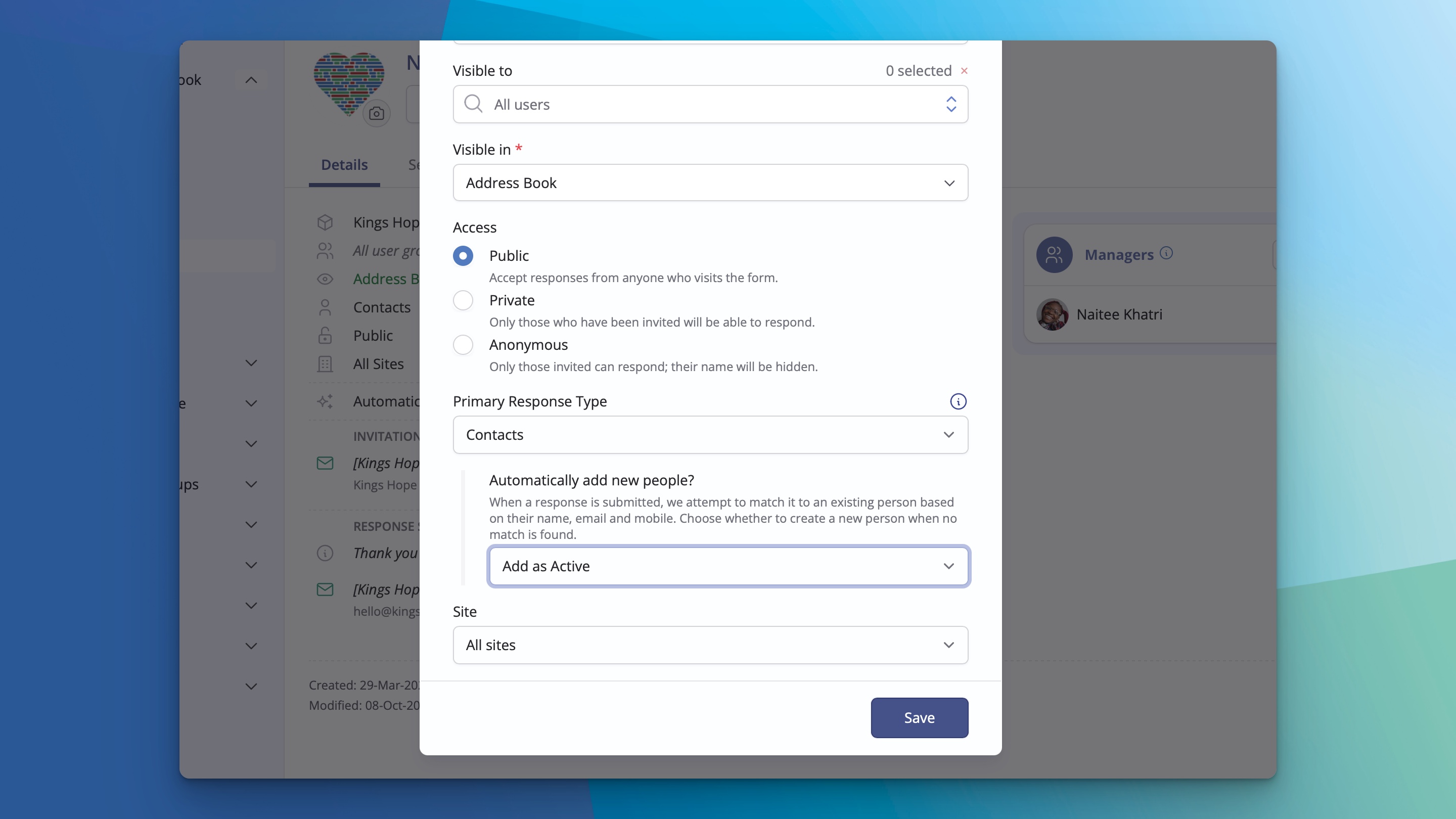
Now you can choose to have ChurchSuite create a new person when no match is found. The Form's primary response type determines whether a contact or child record is added, and smart linking handles what information is saved to their record.
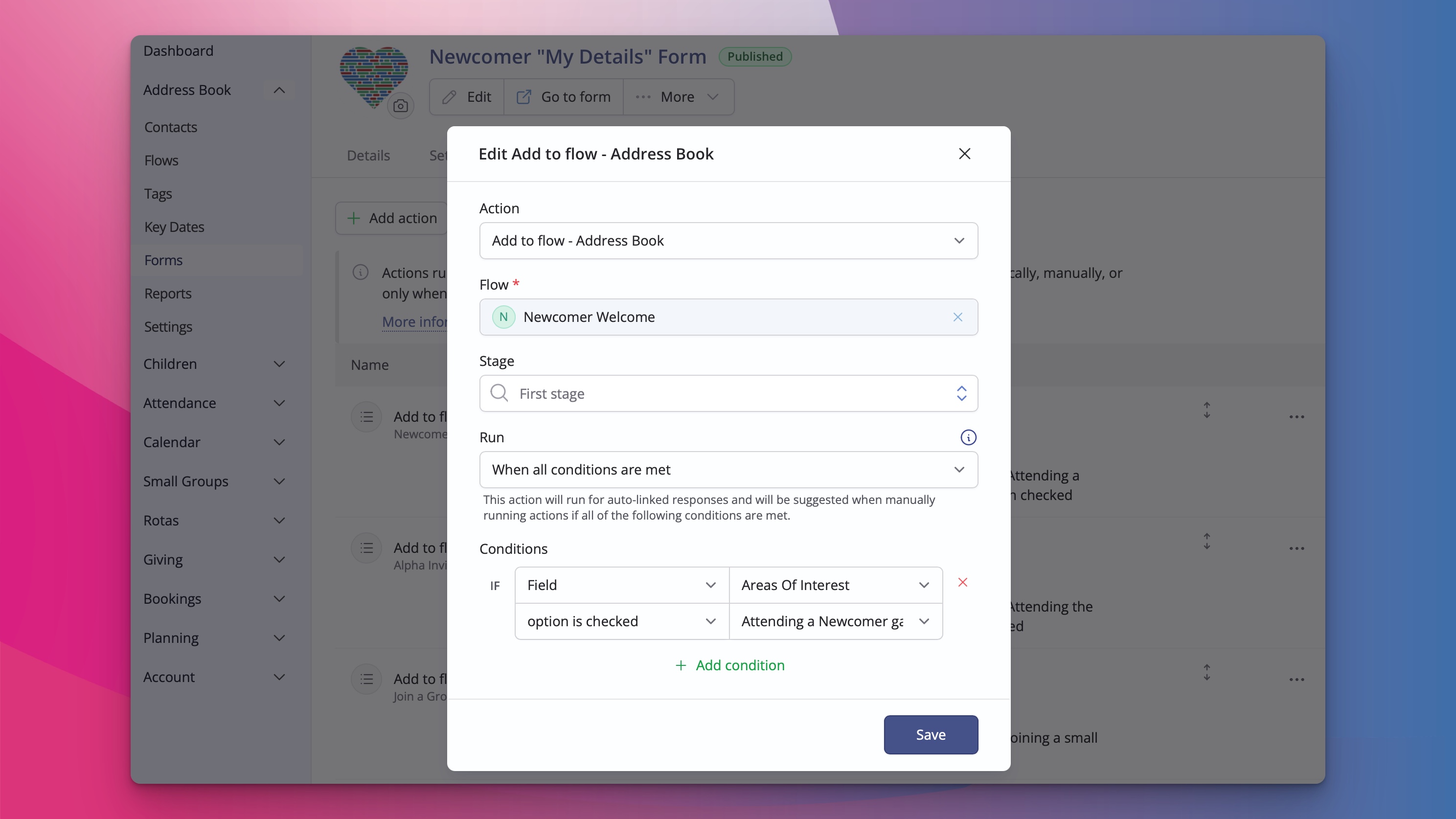
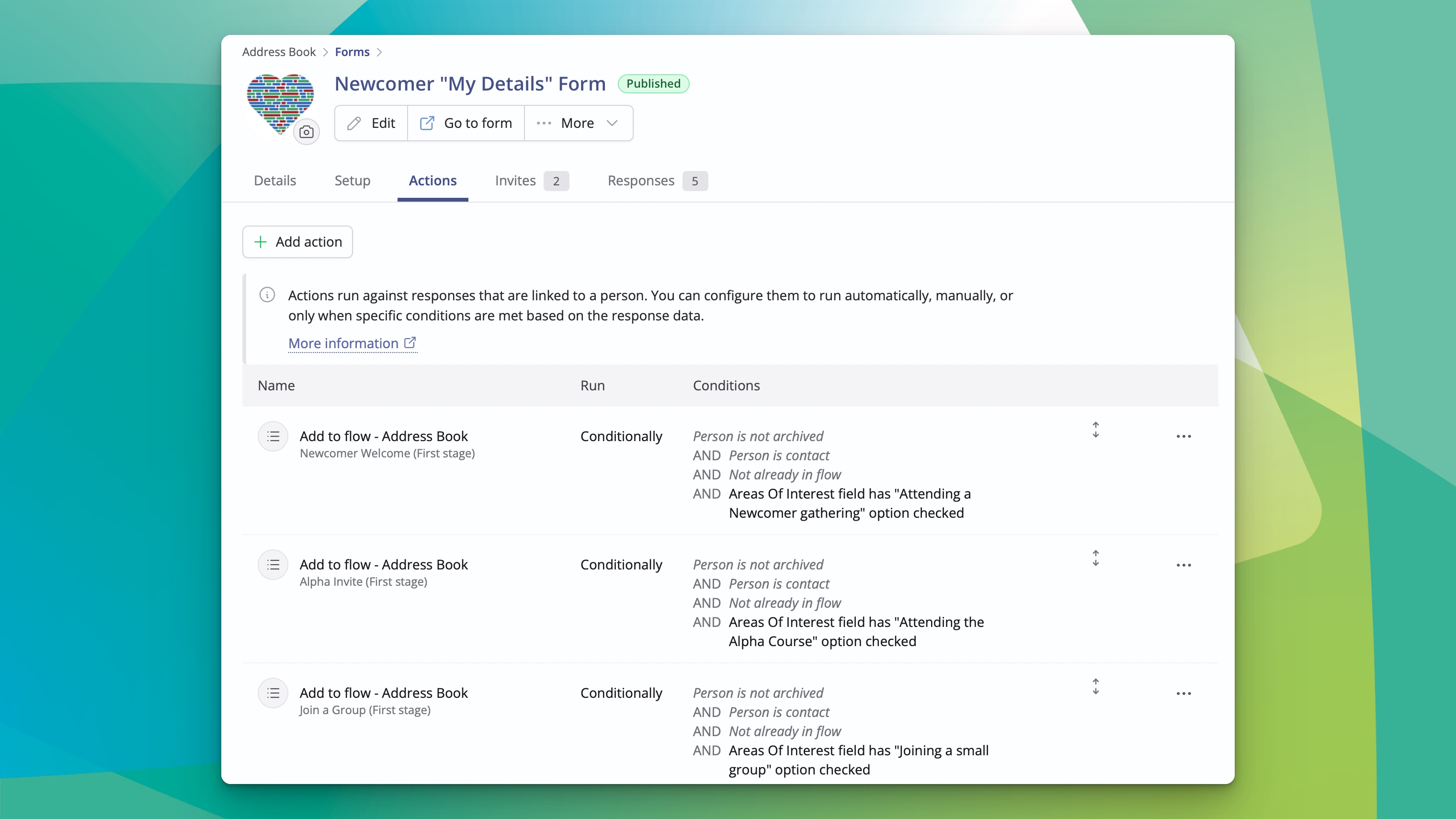
Better still, with responses automatically linked to people, you can make full use of Form actions to trigger your existing processes - assigning Tags and Key Dates, sending preset emails or adding people to Flows, all automatically or based on conditions you choose.
Great for connecting newcomers to your church
Picture a "Connect with us" Form which a newcomer fills in. ChurchSuite adds them as an Active Contact and automatically places them in your Newcomer Flow. The Flow then sends a warm welcome email with a My ChurchSuite invite so they can keep their details up to date and see what's happening. Your team stays free to focus on the personal welcome rather than data entry.
Custom notification email
There's more! We've built a new action that lets you send a custom notification email to one or more addresses. The email is fully customisable and supports merge fields so you can include relevant response data. This has been a popular request from form users who have expressed interest in being able to auto-notify (or conditionally notify) people who are not the Form respondent. For example, you can now notify a site-specific Newcomer Pastor based on the Site a respondent selects on their form.
And there's even more...
We've also made a few other helpful updates to Forms recently:
The ability to filter the communication options that appear on public Forms. You can hide rota reminder, phone or post options on a newcomer Form so the form stays focused.
The option to choose which sites appear on a public Form. Useful for multi-site churches!
These changes help Forms work more smoothly as part of your wider systems, reducing manual work and helping people get connected faster. Full details are in our support articles on creating Forms and managing form responses.
We're always keen to hear how you're using Forms - feel free to share your setup with us at support@churchsuite.com.