

Customised print-ready views from any Plan page
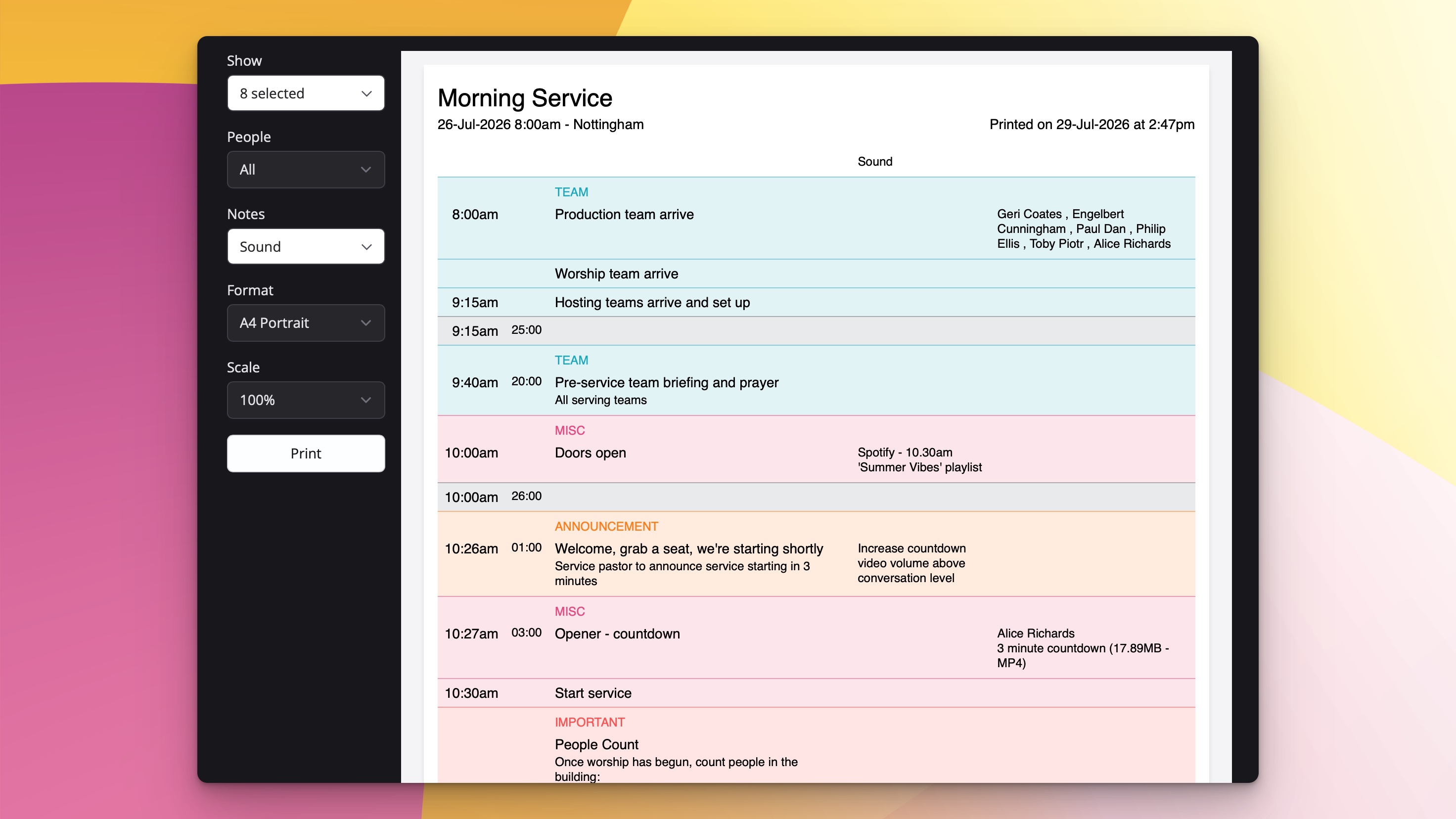
We've updated Plan pages to introduce a more complete printing experience. You can now print customised plan layouts from any Plan page.
Plan pages already give everyone who needs it a clear, up-to-date view of the running order, who's involved and any linked files - all without needing a ChurchSuite login. We know that many teams still prefer a paper copy for rehearsals, music stands, production notes or simply to have something in hand during the service. That's why we've improved plan printing so you can tailor the print-ready view to exactly what you want to print.
A new print dialogue
From any published Plan page you'll find a print button at the top of the page that opens a dialogue letting you customise exactly what appears in the finished print-ready layout.
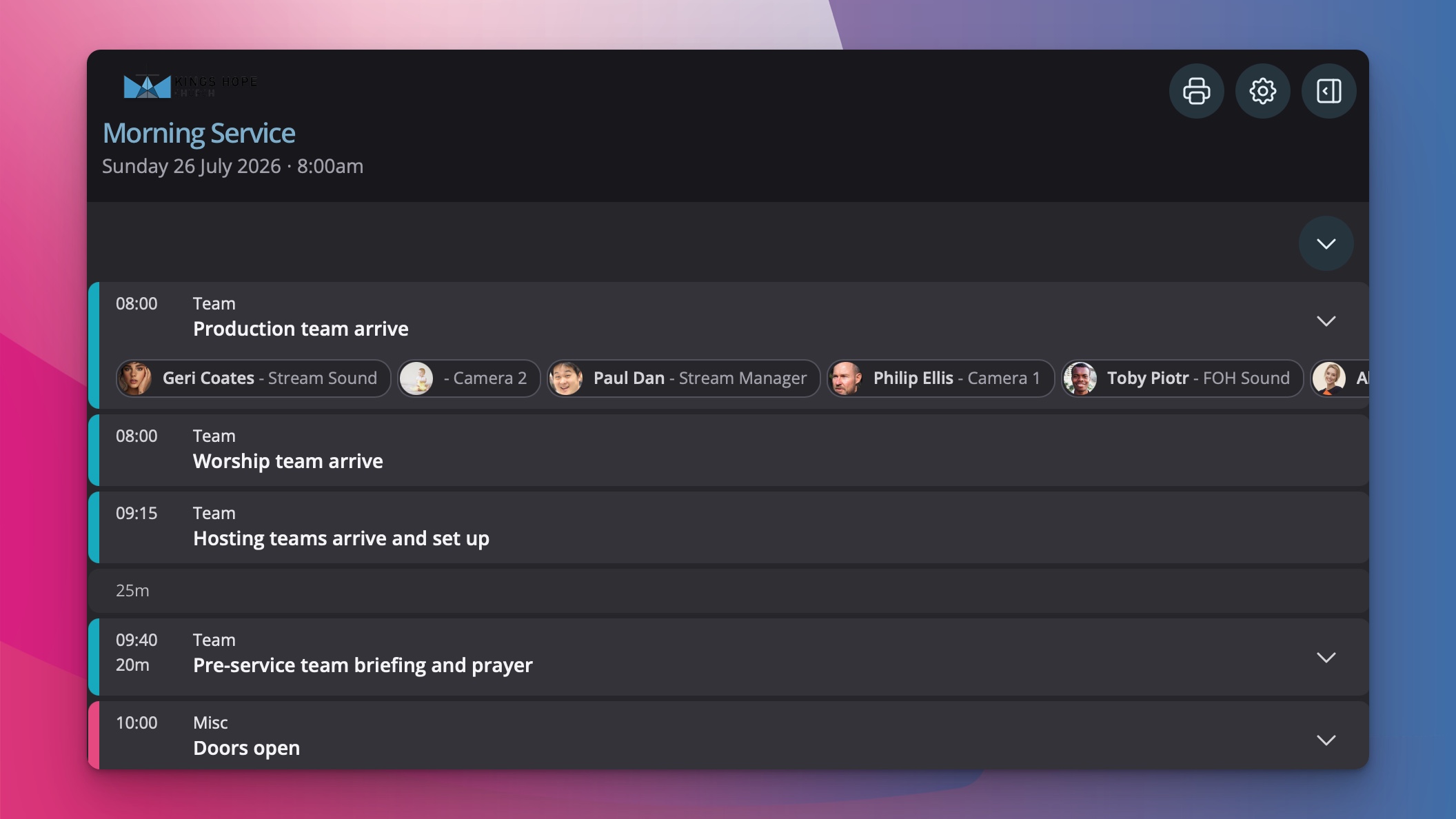
Choose which elements of the plan to include, how people are shown, the paper size, as well as the orientation and scale.
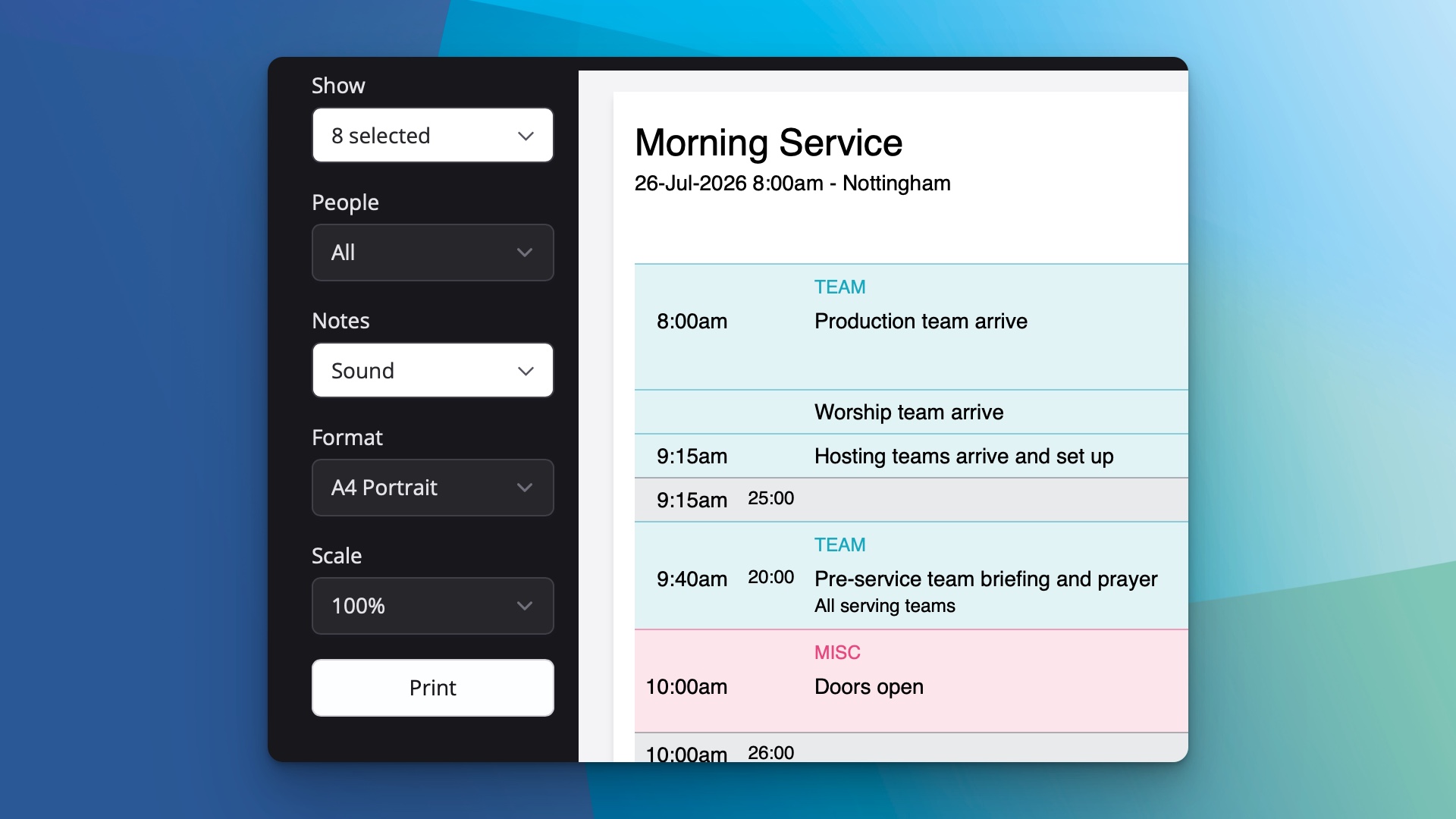
Then generate a clean, tailored page ready to print or share.
This small but practical improvement means the people who rely on paper can still get exactly the information they need, while everyone else continues to use the live digital Plan page. It's one more way ChurchSuite helps you bring order to the details so you can stay focused on the ministry that matters.
You can try the new printing options right away on any published Plan page. For more detail on working with Plan pages, including sharing and viewing files, see the support article on Sharing published plans.